
Problem
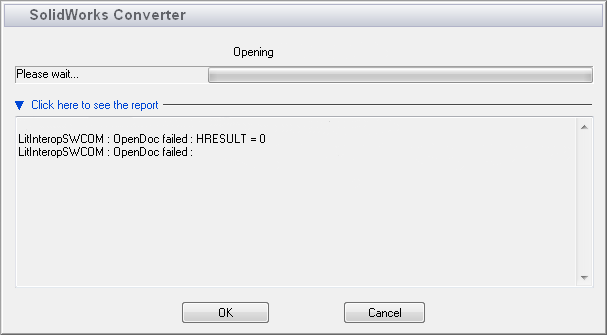
This article goes over how to resolve the "LitInteropSWCOM : OpenDoc failed : HRESULT = 0" error that can occur when importing Inventor files into Composer. This error is typically caused when the SOLIDWORKS version set in File > Preferences > Input > SOLIDWORKS version is older than the Inventor version of the file. In some older versions of Composer, this error was caused by Composer or SOLIDWORKS being corrupt.
Solution 1: Change SOLIDWORKS Version
- Open Composer
- File > Preferences > Input > SOLIDWORKS version and specify a version of SOLIDWORKS that is the same year or newer than the version of Inventor used
Solution 2: Repair Composer and SOLIDWORKS
If this error is seen when not importing Inventor files, try repairing Composer and SOLIDWORKS by following the steps in this article: How to Repair SOLIDWORKS
For additional support, existing customers can submit a ticket or new customers can contact Hawk Ridge Systems.
Comments
Article is closed for comments.