
Problem
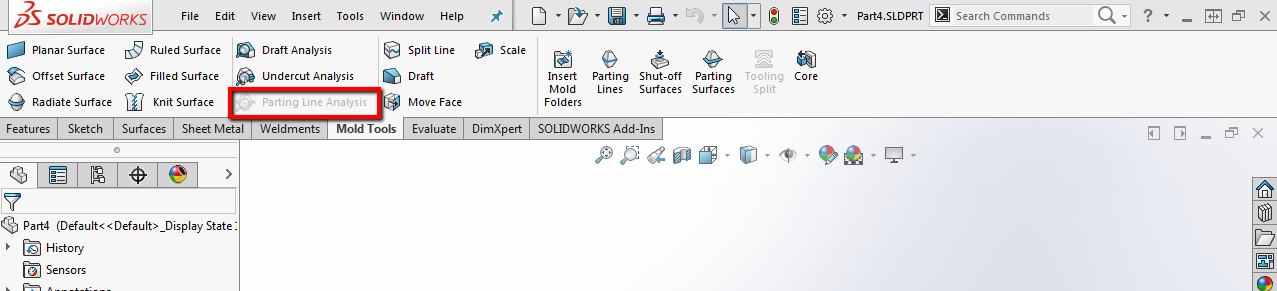
This article goes over how to resolve the Parting Line Analysis tool being grayed out while all the other mold tools are available. This is caused by the SOLIDWORKS Performance option for software OpenGL being enabled.
Solution
- Open SOLIDWORKS without opening any files
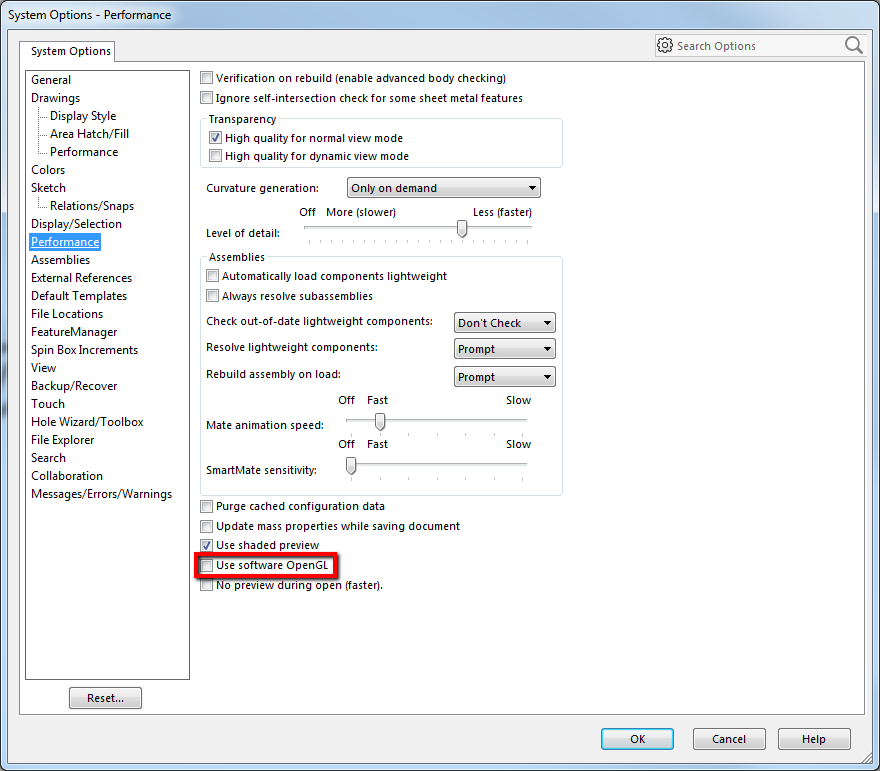
- Navigate to Tools > Options > System Options > Performance
-
Uncheck "Use Software OpenGL" and click "OK"
- Restart SOLIDWORKS to retest the issue
For additional support, existing customers can submit a ticket or new customers can contact Hawk Ridge Systems.
Comments
Article is closed for comments.