
Problem
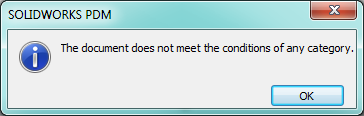
During the initial check-in of any document into SOLIDWORKS PDM, the file attributes are checked to determine which Category the file will be placed into. If the file does not qualify for any Categories, users will receive the following error: "The document does not meet the conditions of any Category."
Solution
This error is typically seen when the Category conditions are not set properly to accept this file type, or the folder it's being checked in from. The following article has instructions for setting up the Category conditions: Setting up Category conditions
For additional support, existing customers can submit a ticket or new customers can contact Hawk Ridge Systems.
Comments
Article is closed for comments.