
Problem
This article goes over how to deactivate DriveWorks Solo. This is recommended to perform before moving a DriveWorks Solo license or uninstalling DriveWorks Solo.
Solution
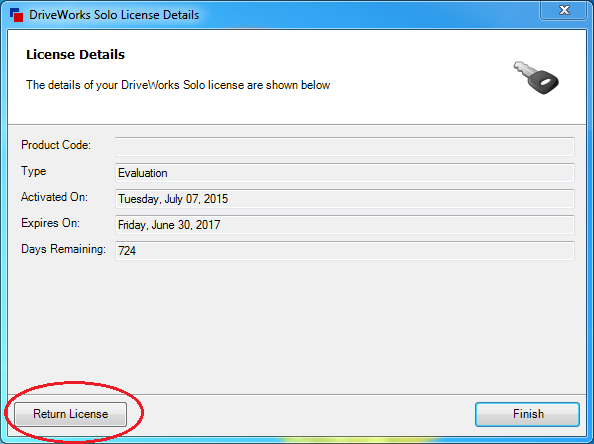
The DriveWorks Solo license needs to be returned before it can be used on a different computer. The steps below go over how to return the license:
- Open the DriveWorks Solo License Manager, which can be accessed by going to:
Start > All Programs > DriveWorks Solo > DriveWorks Solo < Version> License Manager - Click on "Return License"
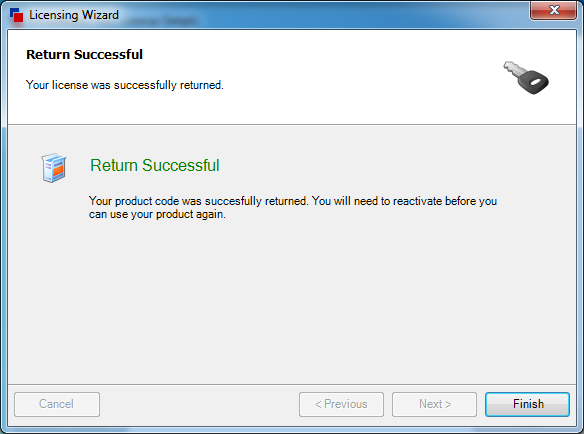
- Once finished, the DriveWorks Solo serial number can then be used to activate a different computer.
For additional support, existing customers can submit a ticket or new customers can contact Hawk Ridge Systems.
Comments
Article is closed for comments.